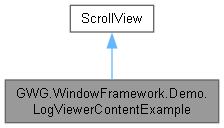
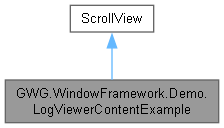
Example of a log viewer Content Element using the ScrollView component to show a list of text entries To use Content Elements like this in your own code just create a new class that extends the element your want to use (VisualElement, ScrollView, etc.) and then add the content you want to show in the constructor. More...
Public Member Functions | |
| LogViewerContentExample () | |
Detailed Description
Example of a log viewer Content Element using the ScrollView component to show a list of text entries To use Content Elements like this in your own code just create a new class that extends the element your want to use (VisualElement, ScrollView, etc.) and then add the content you want to show in the constructor.
Then you can just set the Content of your window with the element you created. when you create the window just add: Content = new LogViewerExample(); OR Content.Add(new LogViewerExample());
Constructor & Destructor Documentation
◆ LogViewerContentExample()
|
inline |