Your interface. Their layout. Their look.**
Give your Unity UI Toolkit application windows that users can arrange, themes you can author visually, and appearance settings players can make their own.
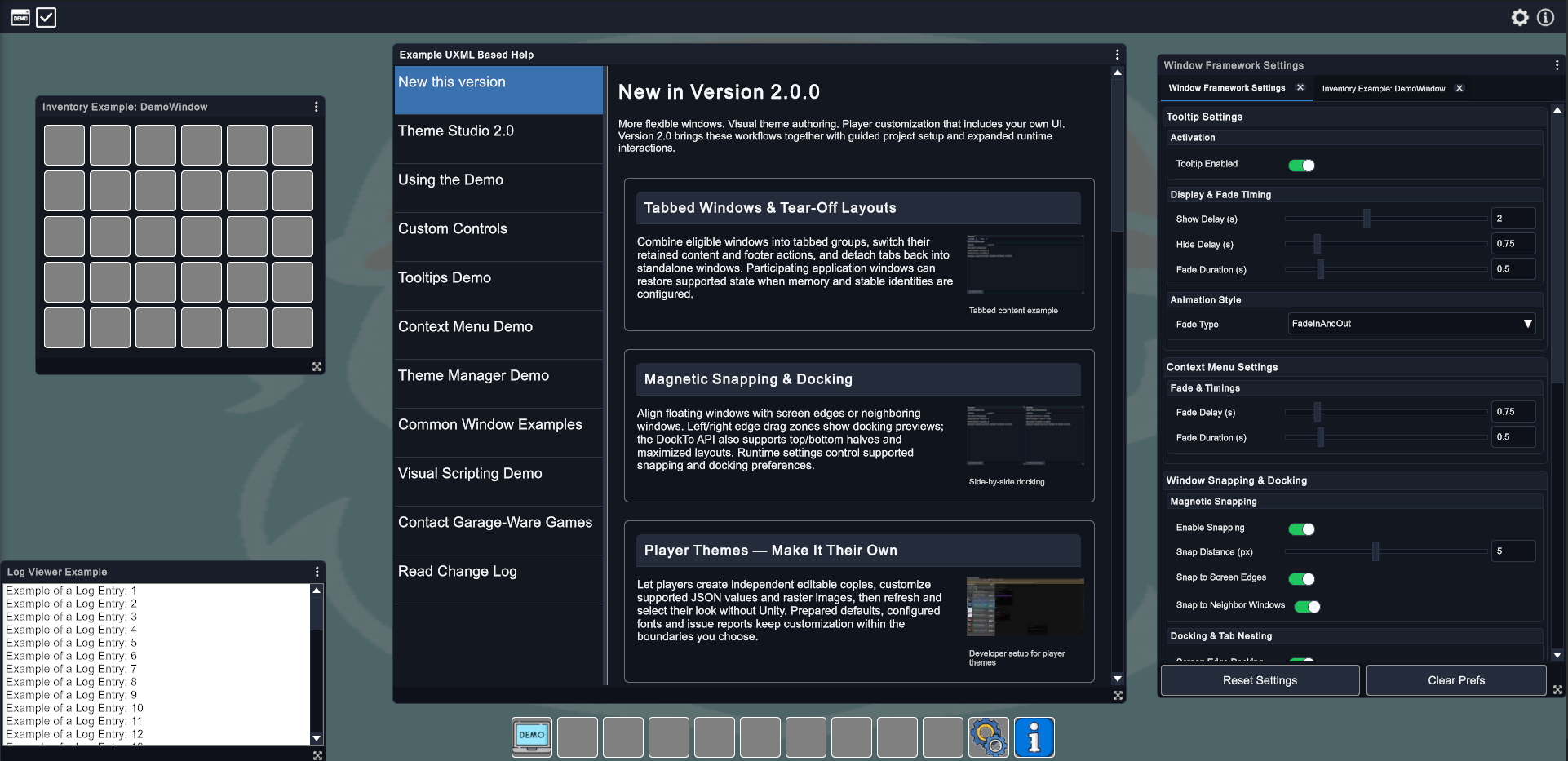
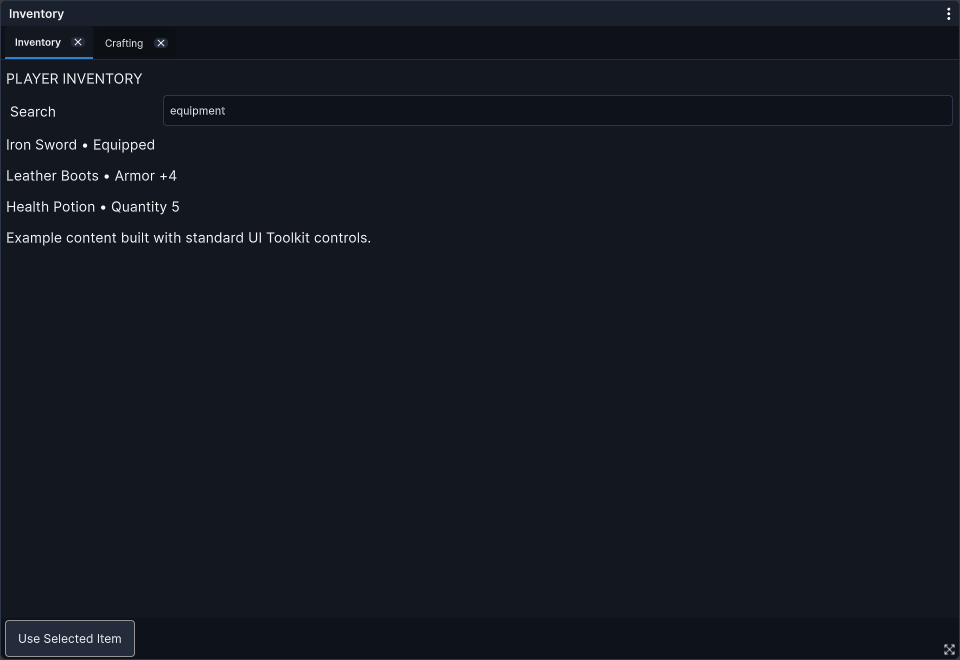
WindowFramework brings these capabilities together around your application's content. Build an inventory interface, a collection of tools, or a multi-window settings experience without creating a new windowing layer for each screen. You decide how the interface behaves and what can be customized; your users get the flexibility you choose to offer.
Overview
An Interface That Adapts to Its Users
Let users move and resize windows, snap them into place, dock them to screen edges, or combine them into tabbed groups. Save participating windows' layouts so a useful arrangement can be there when they return.
Not every interface should behave the same way. Per-window controls let you keep a panel fixed, restrict resizing, or choose which windows can close, lock, or enter fullscreen. Add your own UI Toolkit content through C# or UXML, with the framework providing the surrounding window behavior.
A Consistent Look, Visually Authored
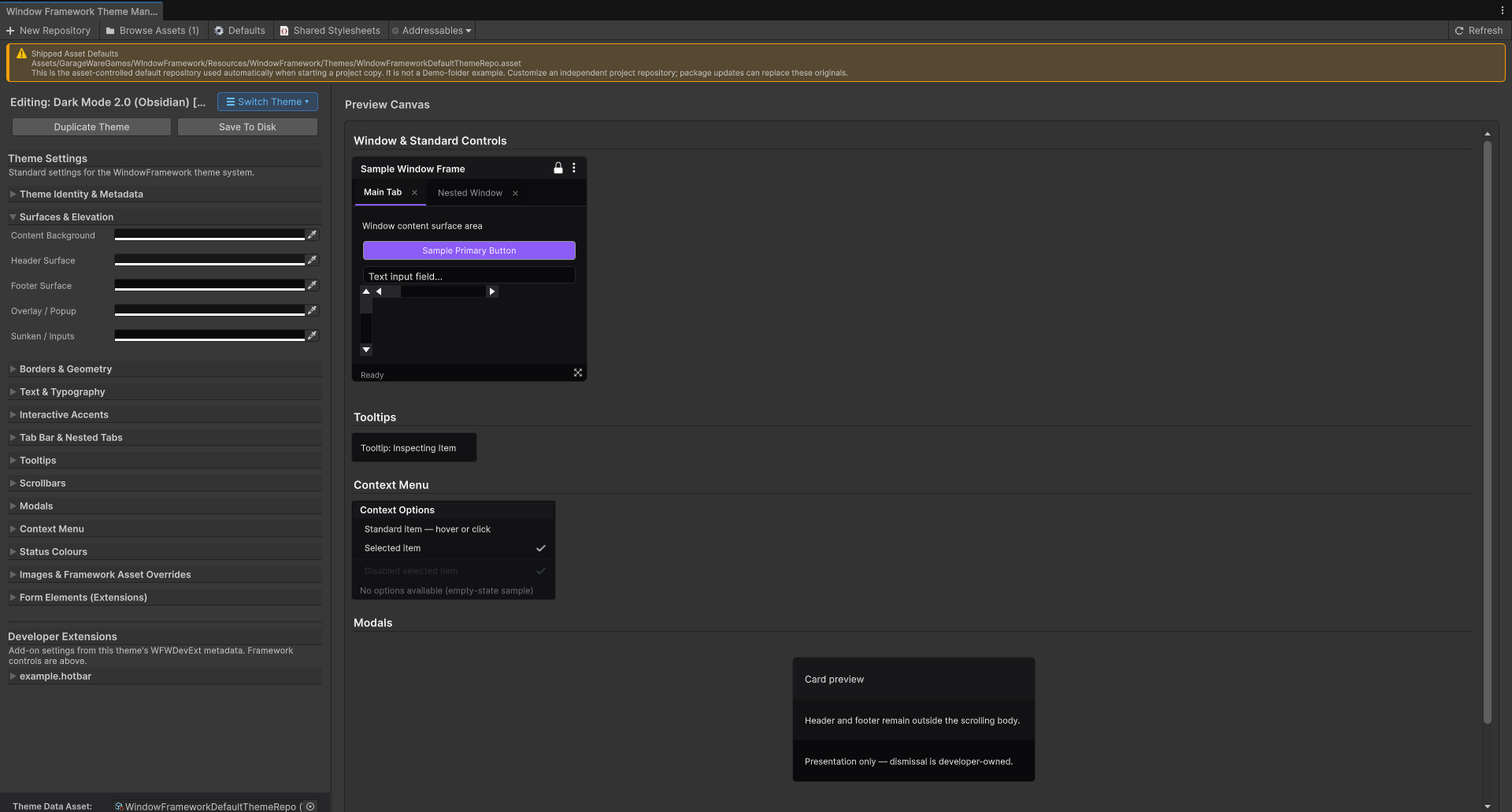
Shape your application's appearance in Theme Studio. Work with supported colors, typography, borders, geometry, images, and control styling, then preview the result without rebuilding your window content.
Create a project-owned theme repository from the supplied defaults, develop your own visual identity, and offer configured themes at runtime. Tooltips, context menus, and modal interfaces give you supporting interactions alongside the windows themselves.
Player Customization That Includes Your UI
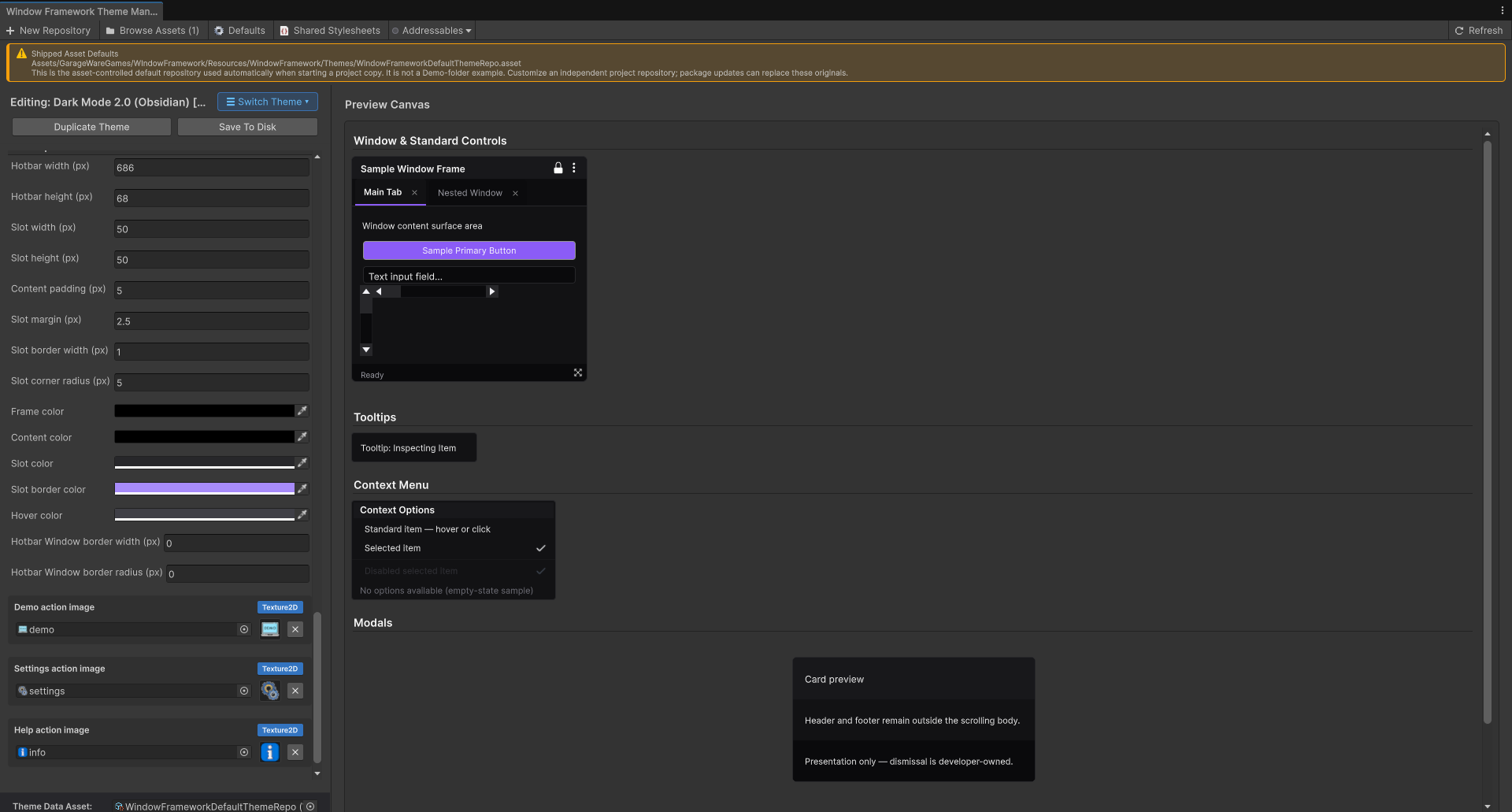
Player Themes** let players create editable copies of supplied themes and personalize supported appearance settings outside the Unity Editor.
Developer Extensions** take that customization beyond the standard framework controls. Declare supported numeric, color, and image settings for your own UI, author them in Studio, and make them available to player themes. The same declarations connect your visual authoring workflow to the customization options you offer your players.
You stay in control of the available settings, mappings, and numeric limits. Players can personalize the supported appearance of your application—not supply arbitrary executable stylesheets or gameplay code.
Where Would You Like to Start?
- Exploring the asset? Visit Features for the capabilities and benefits, then check Asset Requirements to see how WindowFramework fits your project.
- Ready to build? Follow Installation and Setup for the illustrated setup workflow, then continue to Windows and Layout to add your own interface content.
- Planning player customization? Start with Theme Studio and Manager, extend your custom UI through Developer Extensions, and follow Player Themes to offer those choices to players.
- Working with graphs? After setup, visit Visual Scripting Integration for the preview Unity Visual Scripting integration.
Your Guide to WindowFramework
Follow the manual in order for a first integration, or jump to the capability you need. The guides separate initial setup, window behavior, visual authoring, and player customization so you can build on each step without repeating the same configuration work.
- Features — Discover the windowing, theming, and customization capabilities.
- Asset Requirements — Check Unity support and the requirements for optional integrations.
- Installation and Setup — Create your project-owned repository and bring its configured host into your scene, with screenshots and a setup diagram.
- Windows and Layout — Build your window content and configure placement, permissions, docking, tabs, and memory.
- Tooltips, Context Menus, and Modals — Add contextual help, menu actions, and focused dialog interactions.
- Theme Studio and Manager — Author and manage the appearance of your application.
- Developer Extensions — Expose supported settings for your custom UI and connect them to player customization.
- Player Themes — Configure editable theme copies, runtime selection, and application-defined customization options.
- Visual Scripting Integration — Use the supplied preview integration to drive supported operations from Unity Visual Scripting graphs.
Advanced Customization and Reference
- Stylesheet Setup and Theme Structure — Understand theme composition, styling scope, inheritance, and application stylesheet setup.
- Built-in Styling Class Reference — Look up built-in styling classes and their intended use in your own UI.
- WindowFrame Controller Debugger — Inspect the runtime controller, window state, preferences, and existing diagnostic actions in the Editor.
Troubleshooting
Troubleshooting — Find guidance for setup and configuration problems.
Build the interface your application needs—and give your users room to make it their own.**
