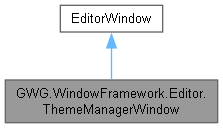
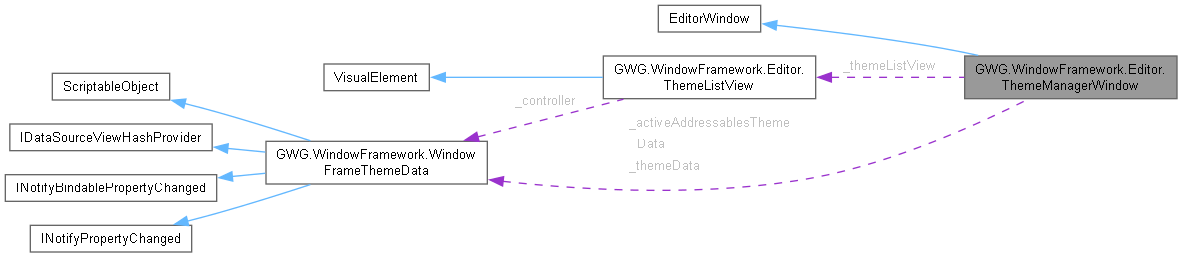
Represents a custom editor window in Unity, used for managing themes within the Window Framework. More...
Static Public Member Functions | |
| static void | ShowWindow () |
Private Member Functions | |
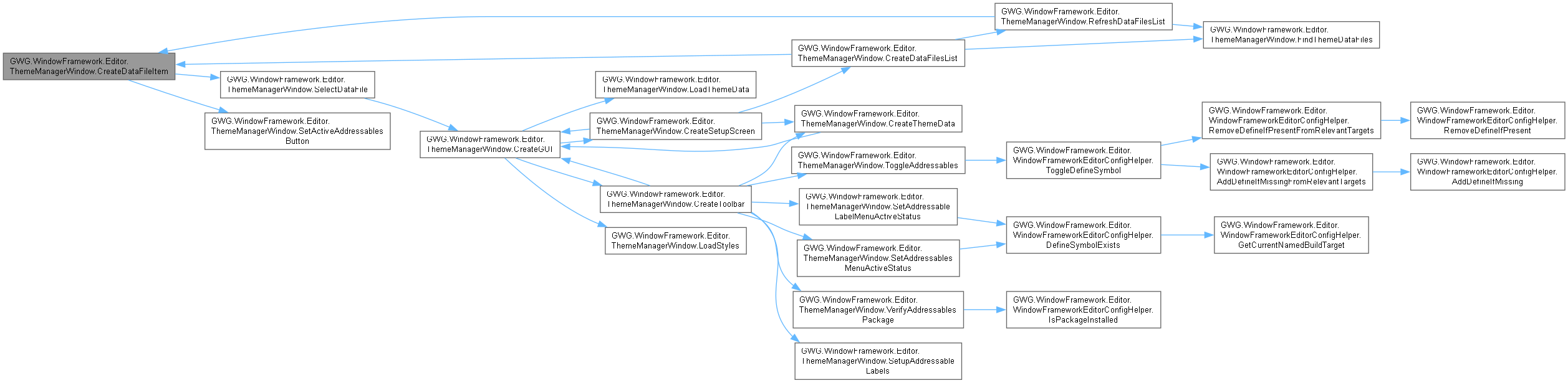
| VisualElement | CreateDataFileItem (WindowFrameThemeData dataFile) |
| VisualElement | CreateDataFilesList () |
| void | CreateGUI () |
| Initializes and configures the visual elements of the theme manager window. Clears existing UI components, loads necessary styles, and builds the window's layout. . | |
| void | CreateSetupScreen () |
| void | CreateThemeData () |
Creates a new instance of the WindowFrameThemeData scriptable object,saves it as an asset in the project, and updates the PlayerPrefs for reloading functionality.Opens a save file panel to specify the location and name of the saved theme data file. If the file path is selected and valid: . | |
| Toolbar | CreateToolbar () |
Creates and returns a new Toolbar instance for the theme management window.. | |
| List< WindowFrameThemeData > | FindThemeDataFiles () |
| void | LoadStyles () |
Loads and applies the specified StyleSheet resource to the current EditorWindow's rootVisualElement. Attempts to load a StyleSheet named "ThemeManagerEditor". If the StyleSheet is found, it is added to the styleSheets collection of the rootVisualElement. If the StyleSheet is not found, no changes are made. | |
| bool | LoadThemeData () |
Loads the WindowFrameThemeData asset from the PlayerPrefs path. If the path is valid, loads the asset and returns true. If the path is invalid, returns false. | |
| void | OnDestroy () |
| void | OnEnable () |
| void | OnGUI () |
| void | RefreshDataFilesList (ScrollView scrollView) |
| void | SelectDataFile (WindowFrameThemeData dataFile) |
| void | SetActiveAddressablesButton (Button button) |
| DropdownMenuAction.Status | SetAddressableLabelMenuActiveStatus (DropdownMenuAction arg) |
| DropdownMenuAction.Status | SetAddressablesMenuActiveStatus (DropdownMenuAction arg) |
| void | SetupAddressableLabels (DropdownMenuAction obj) |
| void | ToggleAddressables (DropdownMenuAction dropdownMenuAction) |
| bool | VerifyAddressablesPackage () |
Private Attributes | |
| WindowFrameThemeData | _activeAddressablesThemeData |
| SerializedObject | _serializedObject |
| ObjectField | _settingsField |
| WindowFrameThemeData | _themeData |
| ThemeListView | _themeListView |
Detailed Description
Represents a custom editor window in Unity, used for managing themes within the Window Framework.
Member Function Documentation
◆ CreateDataFileItem()
|
inlineprivate |

◆ CreateDataFilesList()
|
inlineprivate |


◆ CreateGUI()
|
inlineprivate |
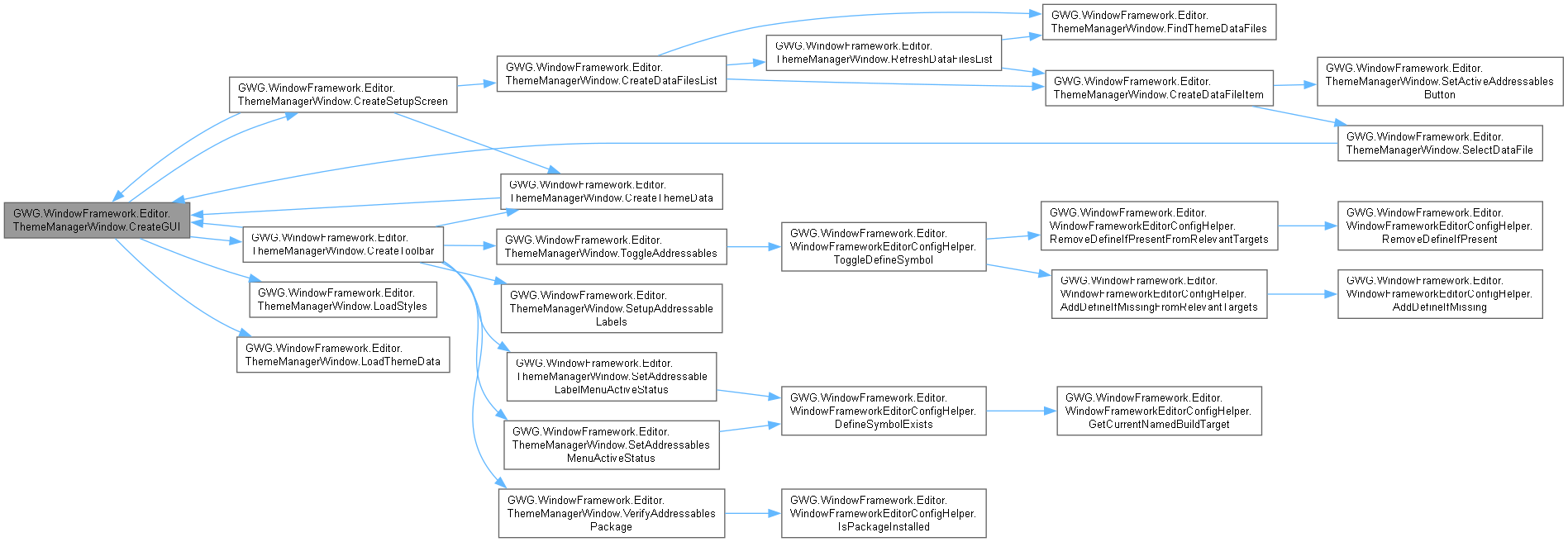
Initializes and configures the visual elements of the theme manager window.
Clears existing UI components, loads necessary styles, and builds the window's layout.
.
- Adds a toolbar with options to create, clear, and refresh themes.
- Checks for existing theme data and displays a setup screen if no data is found.
- Creates and displays global settings and a list of themes if data exists.

◆ CreateSetupScreen()
|
inlineprivate |


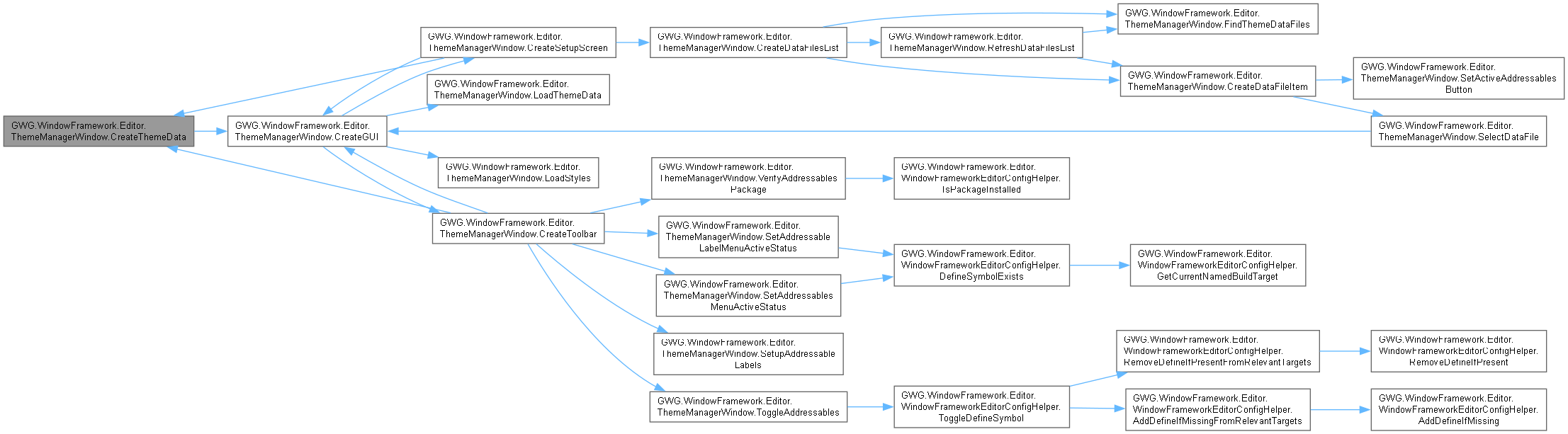
◆ CreateThemeData()
|
inlineprivate |
Creates a new instance of the WindowFrameThemeData scriptable object,
saves it as an asset in the project, and updates the PlayerPrefs for reloading functionality.
Opens a save file panel to specify the location and name of the saved theme data file.
If the file path is selected and valid:
.
- Creates and saves the asset in the specified path.
- Refreshes the asset database.
- Logs the creation of the theme data file.
- Updates
PlayerPrefswith the path of the newly created theme data.
- Calls
CreateGUIto reload the window.
If no file path is selected, no actions are taken.

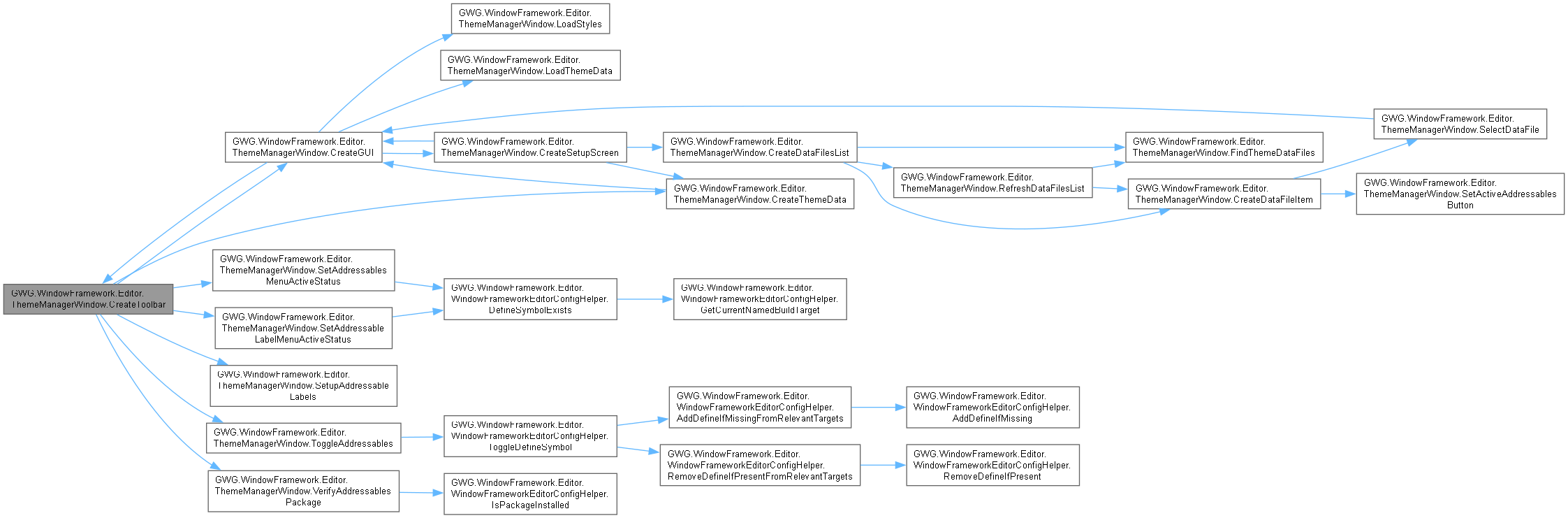
◆ CreateToolbar()
|
inlineprivate |
Creates and returns a new Toolbar instance for the theme management window.
.
- Returns
- A configured
Toolbarinstance containing interactive buttons for management.

◆ FindThemeDataFiles()
|
inlineprivate |

◆ LoadStyles()
|
inlineprivate |
Loads and applies the specified StyleSheet resource to the current EditorWindow's rootVisualElement. Attempts to load a StyleSheet named "ThemeManagerEditor". If the StyleSheet is found, it is added to the styleSheets collection of the rootVisualElement. If the StyleSheet is not found, no changes are made.

◆ LoadThemeData()
|
inlineprivate |
Loads the WindowFrameThemeData asset from the PlayerPrefs path. If the path is valid, loads the asset and returns true. If the path is invalid, returns false.
- Returns
- Returns
trueif the asset was loaded successfully,falseotherwise.

◆ OnDestroy()
|
inlineprivate |
◆ OnEnable()
|
inlineprivate |
◆ OnGUI()
|
inlineprivate |
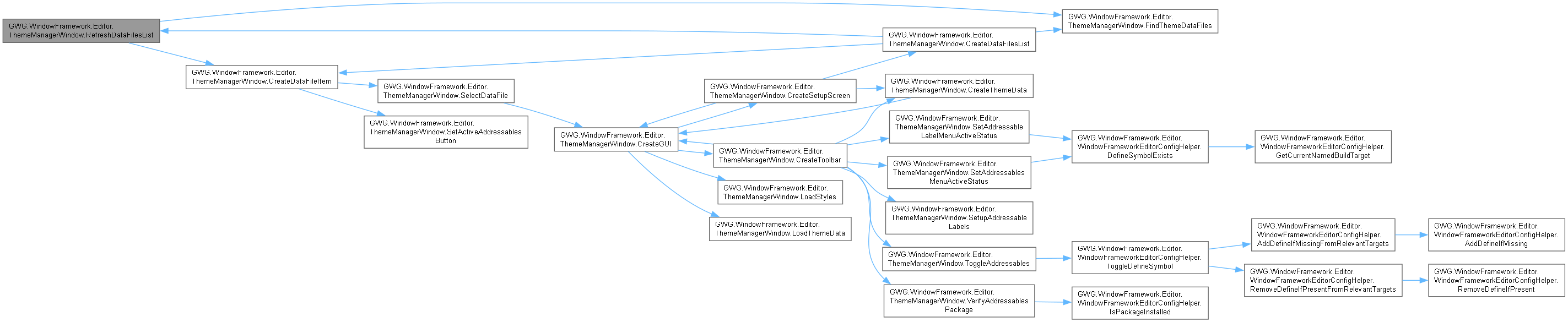
◆ RefreshDataFilesList()
|
inlineprivate |

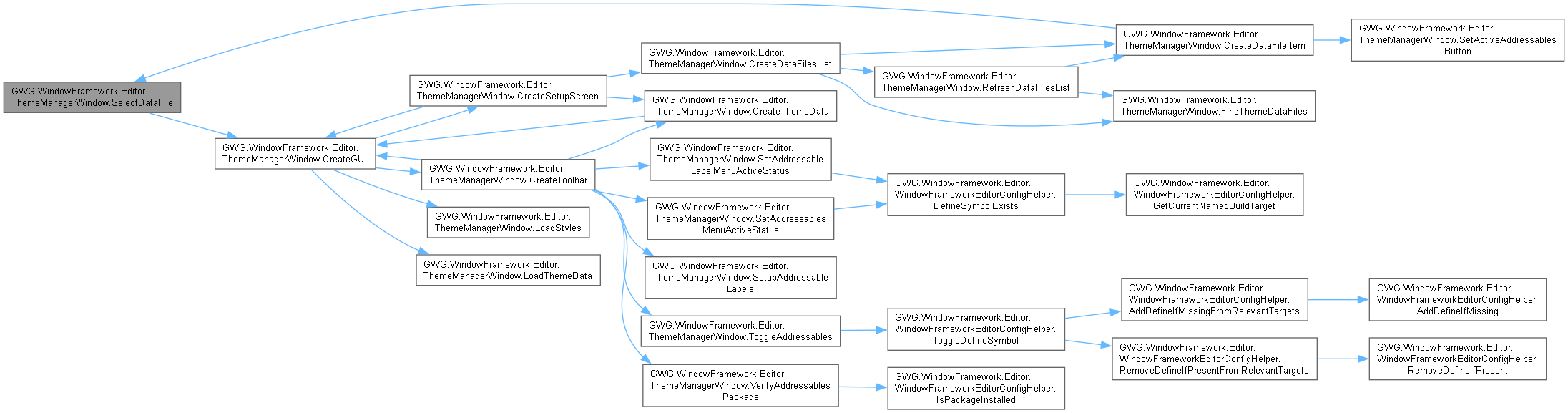
◆ SelectDataFile()
|
inlineprivate |

◆ SetActiveAddressablesButton()
|
inlineprivate |

◆ SetAddressableLabelMenuActiveStatus()
|
inlineprivate |


◆ SetAddressablesMenuActiveStatus()
|
inlineprivate |


◆ SetupAddressableLabels()
|
inlineprivate |

◆ ShowWindow()
|
inlinestatic |

◆ ToggleAddressables()
|
inlineprivate |


◆ VerifyAddressablesPackage()
|
inlineprivate |


Member Data Documentation
◆ _activeAddressablesThemeData
|
private |
◆ _serializedObject
|
private |
◆ _settingsField
|
private |
◆ _themeData
|
private |
◆ _themeListView
|
private |