A sophisticated context menu implementation for the Window Framework that provides dynamic menu creation with fade animations and intelligent positioning.
More...
|
| VisualElement | AddMenuItem (string text, bool isChecked, bool isDisabled, Action action=null) |
| | Creates a menu item element with the specified properties and behavior.
|
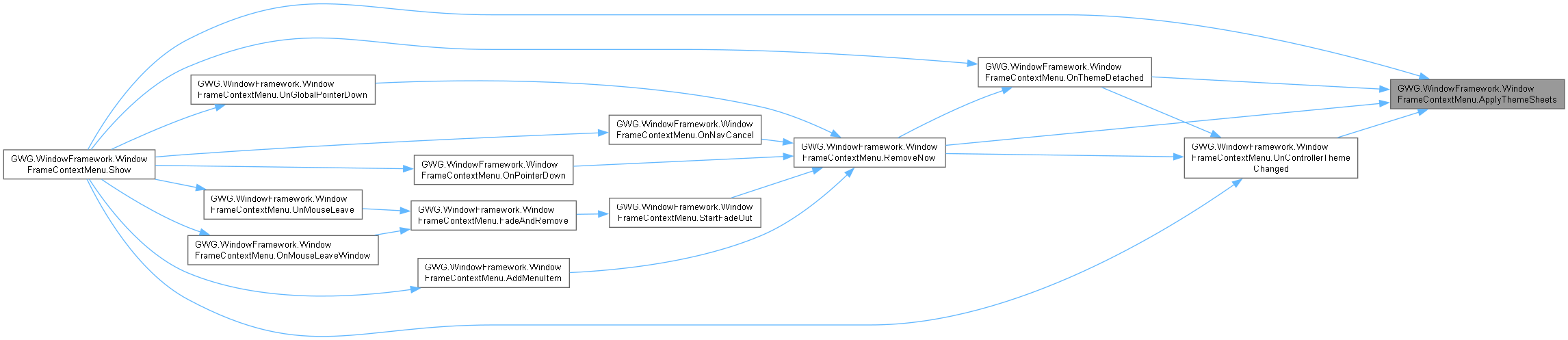
| void | ApplyThemeSheets (System.Collections.Generic.List< StyleSheet > sheets) |
| | Replaces only stylesheet references this menu owns; supplied references retain repository ownership.
|
| void | CancelFadeAndRestore () |
| | Cancels any scheduled fade-out and restores the context menu to full opacity and interactivity.
|
| void | FadeAndRemove () |
| | Initiates the fade-out animation sequence and schedules menu removal.
|
| void | FadeIn () |
| | Smoothly fades in the context menu upon appearance or when cancelled during fade-out.
|
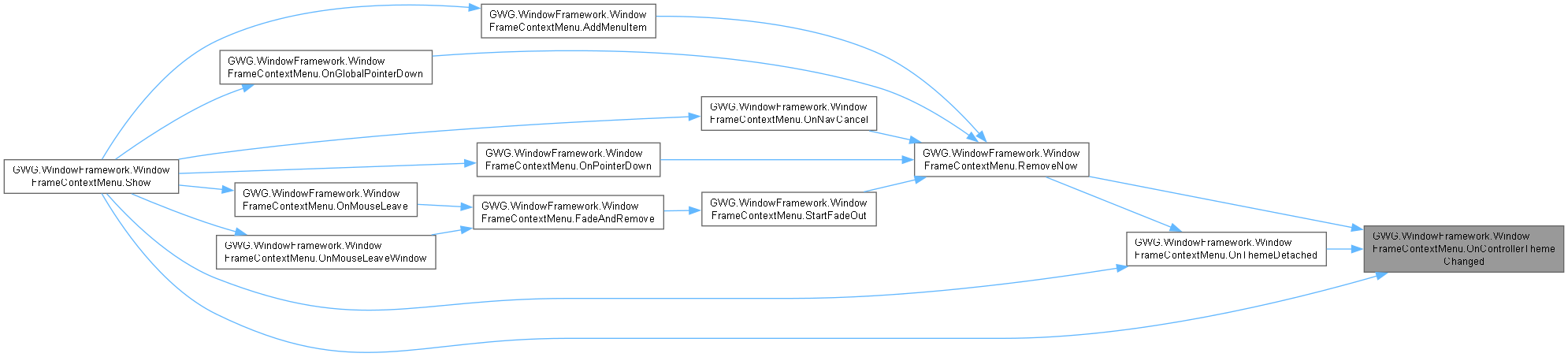
| void | OnControllerThemeChanged (System.Collections.Generic.List< StyleSheet > newSheets, System.Collections.Generic.List< StyleSheet > oldSheets) |
| | Updates an open menu through the existing controller notification, with no resource lookup.
|
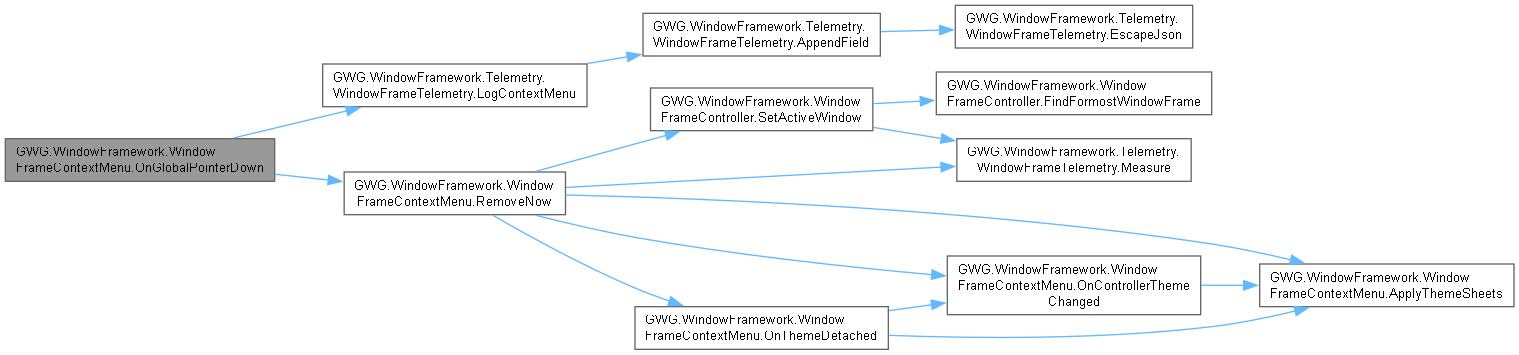
| void | OnGlobalPointerDown (PointerDownEvent evt) |
| void | OnMouseEnter (MouseEnterEvent evt) |
| void | OnMouseLeave (MouseLeaveEvent evt) |
| void | OnMouseLeaveWindow (MouseLeaveWindowEvent evt) |
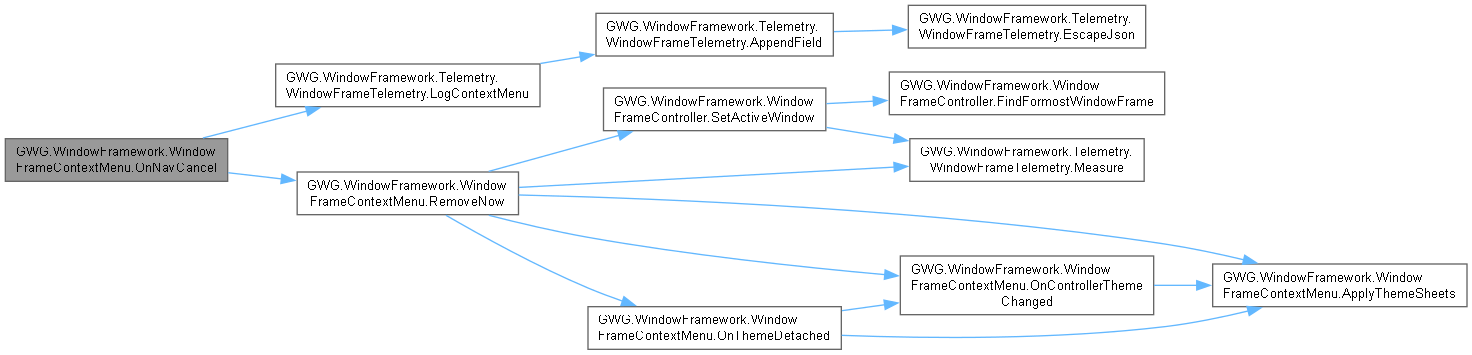
| void | OnNavCancel (NavigationCancelEvent evt) |
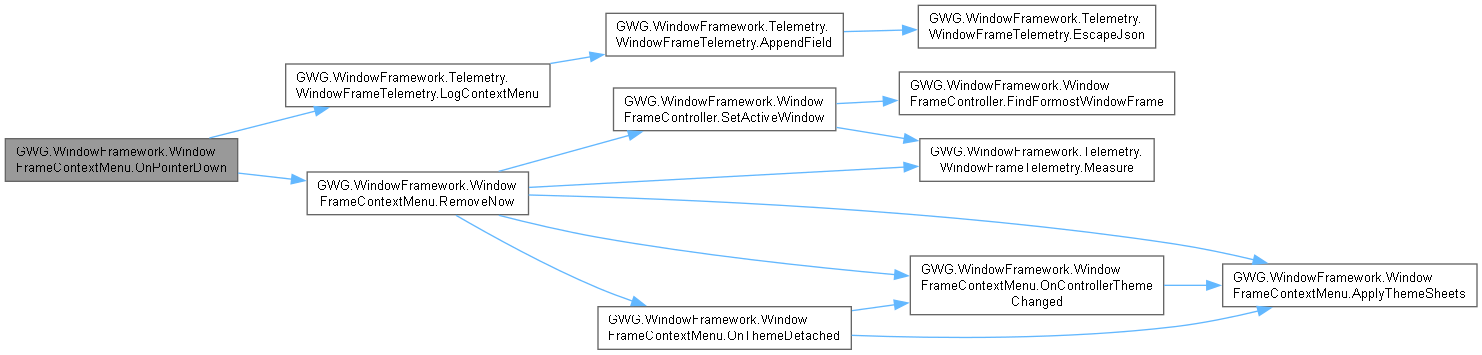
| void | OnPointerDown (PointerDownEvent evt) |
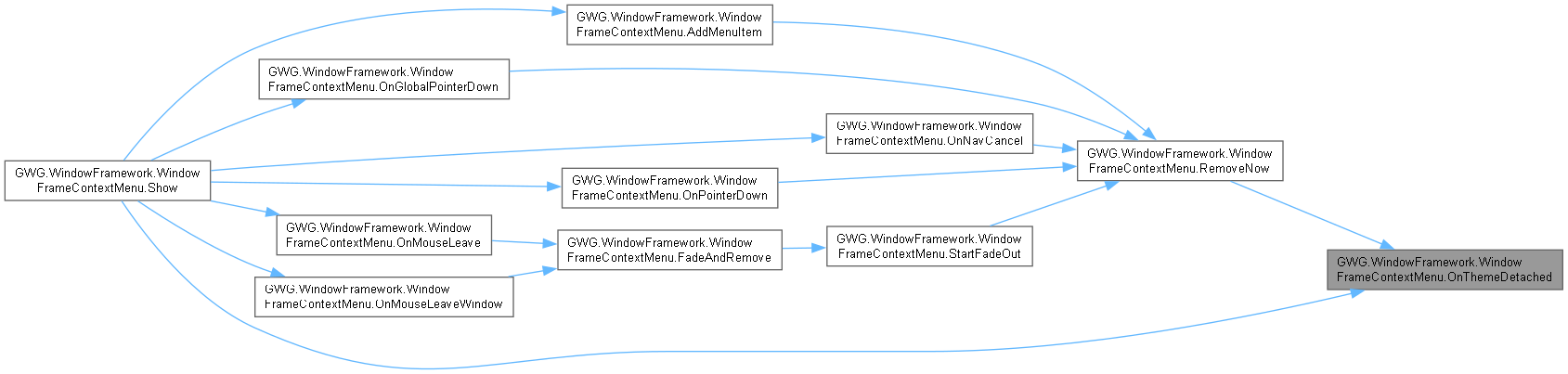
| void | OnThemeDetached (DetachFromPanelEvent evt) |
| | Releases theme notifications and owned references on external removal as well as explicit dismissal.
|
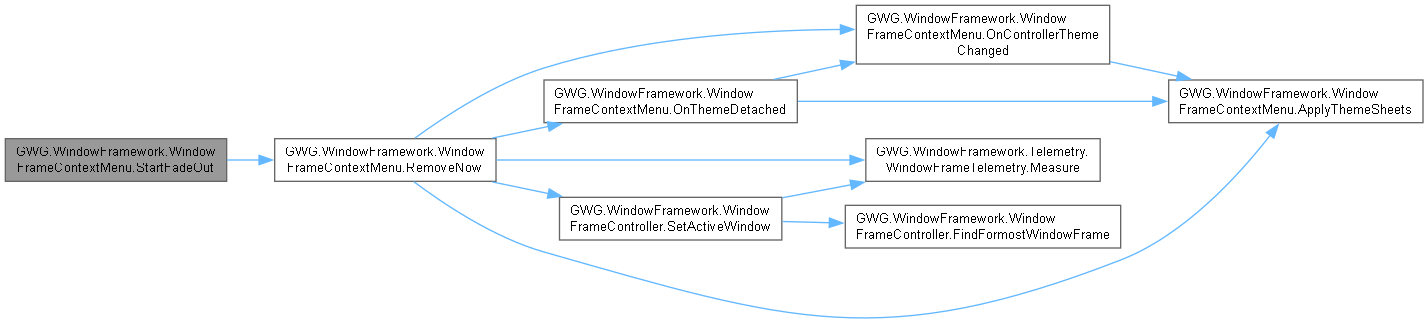
| void | StartFadeOut () |
| | Performs the frame-by-frame fade-out animation smoothly without abrupt opacity changes.
|
A sophisticated context menu implementation for the Window Framework that provides dynamic menu creation with fade animations and intelligent positioning.
WindowFrameContextMenu is a specialized VisualElement that creates contextual menus with advanced features:
KeyValue Features:
- Dynamic menu item generation from configuration objects
- Intelligent positioning with boundary detection and adjustment
- Smooth fade-out animations with configurable timing
- Support for menu titles, separators, and disabled items
- Checkbox/checkmark display for toggleable options
- Automatic cleanup and memory management
- Integration with WindowFrameController theming system
- Mouse and keyboard event handling for proper dismissal
- Editor and runtime compatibility with different positioning logic
Menu Structure: The context menu consists of a wrapper container that holds:
- Optional title label
- Menu items with labels and optional checkmarks
- Visual separators between logical groups
- "No options available" fallback when no items are visible
Animation System:
- Immediate appearance when shown
- Configurable fade-out delay after mouse leaves menu area
- Frame-accurate fade-out animation using Unity's scheduler
- Automatic removal when fade completes or immediate dismissal on click
Event Handling: The menu responds to various events for natural user interaction:
- MouseLeave/MouseLeaveWindow: Initiates fade-out sequence
- NavigationCancel: Immediate dismissal (Escape KeyValue)
- PointerDown: Immediate dismissal when clicking outside
- Individual item clicks execute actions and dismiss menu
Integration: Works seamlessly with ContextMenuConfig objects and ContextMenuActivator manipulators to provide a complete context menu system.
var button = new Button { text = "Right-click me" };
var menu = new WindowFrameContextMenu();
menu.Show(button.worldBound.center, config, button, () => UnityEngine.Debug.Log("Item activated"));
Window and content interaction manipulators. Provides dragging, directional resizing,...
Core WindowFramework controls, controller and configuration/data APIs. Contains WindowFrame,...
Definition LogViewerContentExample.cs:5
Garage-Ware Games namespace root. Groups the namespaces used by this package. Namespace qualification...
Definition LogViewerContentExample.cs:5
| void GWG.WindowFramework.WindowFrameContextMenu.Show |
( |
Vector2 | mousePosition, |
|
|
ContextMenuConfig | config, |
|
|
VisualElement | target, |
|
|
Action | onClose, |
|
|
bool | selfAdd = true ) |
|
inline |
Displays the context menu at the specified position with the given configuration and event handlers.
- Parameters
-
| mousePosition | Retained input position argument; current layout anchors to target bounds instead. |
| config | Nonnull configuration/list containing nonnull items and valid state predicates. |
| target | Nonnull trigger element used for host selection and layout anchoring. |
| onClose | Optional callback after successful enabled item action/removal; not a general dismissal notification. |
| selfAdd | If true, mount in controller root, target panel root or target fallback. |
A background target may be refused by active modal ownership without creating a menu. Visible nonseparator items require nonnull IsChecked and IsDisabled predicates. These and IsVisible are evaluated while constructing the menu; they are not continuously rebound. Action/predicate exceptions propagate. The argument onClose is invoked for successful item activation only, not outside click, fade, navigation cancel or RemoveNow. Prefer a fresh instance per presentation; RemoveNow performs root-callback and picking-mode restoration.
This method orchestrates the complete context menu display process with sophisticated positioning and configuration logic:
Container Management:
- Determines appropriate root container (WindowFrameController.UIRoot or target panel)
- Removes any existing context menu to prevent duplicates
- Optionally adds itself to the container hierarchy
Event Registration:
- MouseLeave/MouseLeaveWindow: Triggers fade-out sequence
- KeyDown (any key): Immediately closes menu
- Outside PointerDown: Immediately closes menu when clicking outside
- Outside Application Window (MouseLeaveWindowEvent): Immediately closes menu
- NavigationCancel: Immediate dismissal (Escape key support)
Menu Structure Creation:
- Creates wrapper container with appropriate styling classes
- Adds optional title if specified in configuration
- Processes all menu items with visibility, state, and action handling
- Adds separators and handles empty menu scenarios
Theming and Positioning:
- Applies current theme stylesheets from WindowFrameController
- Calculates optimal position considering target bounds and screen boundaries
- Adjusts position to ensure menu remains fully visible
The method provides intelligent defaults while allowing full customization through the configuration object and callback parameters.
IsVisible = () => true, IsDisabled = () => false, IsChecked = () => false
});